Manual · Chapter 9
Team & settings
Two settings carry the whole system: the trust list — who may do what, and which key signs — and the process registry that the landscape and the audit programme are built from.
All screenshots show sample data from Berger Präzisionsteile GmbH — a fictitious company (CNC precision manufacturing, 12 people) used to show every easo feature honestly, open gaps included.
People & trust list
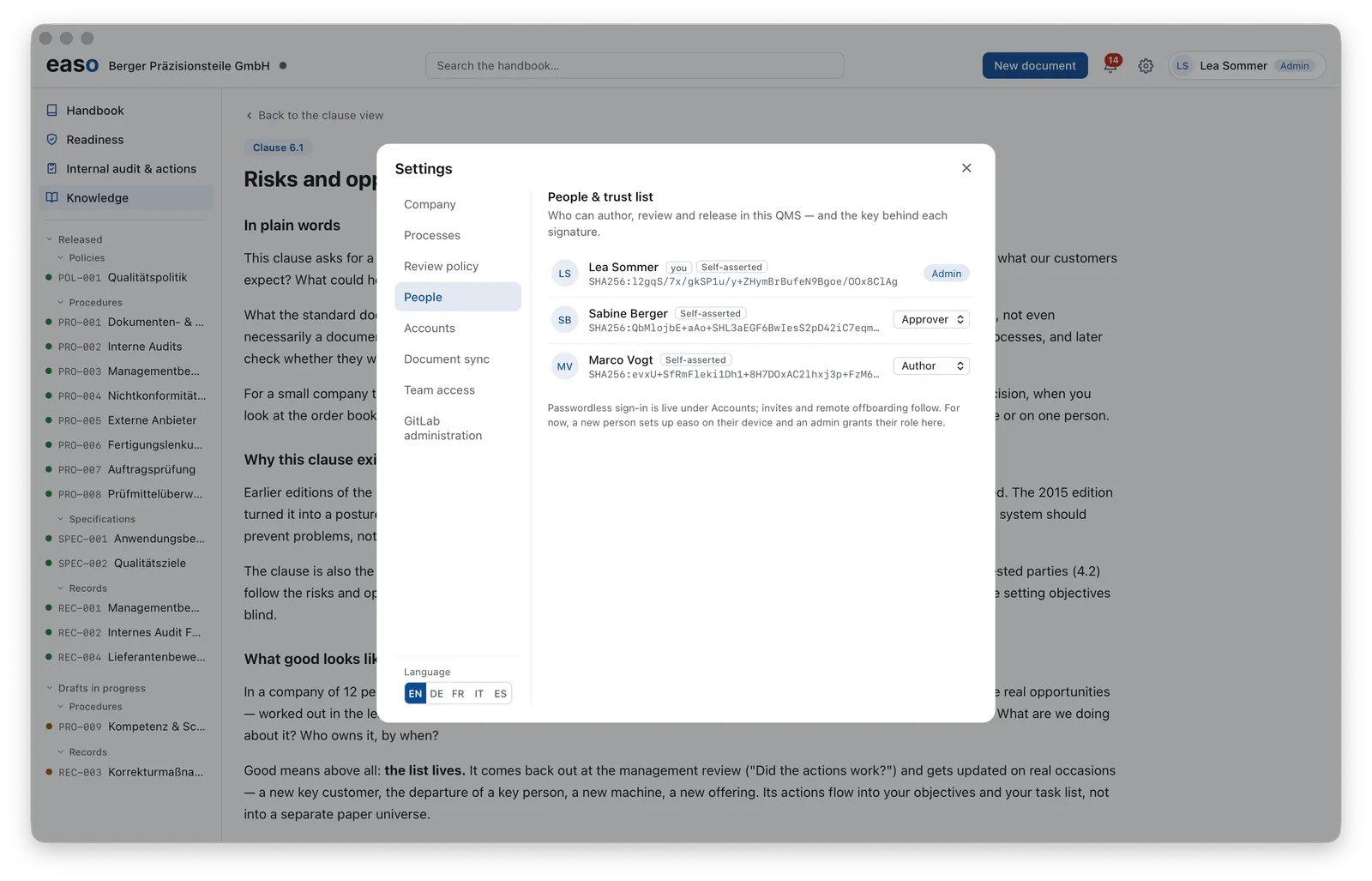
Every person in the QMS has a role — admin, approver, author — and a personal cryptographic key whose fingerprint sits openly in the list. Every release in the system can be attributed to a person and their key; that's the foundation of the four-eyes principle and of verifiable signatures.
The process registry: one list, many views
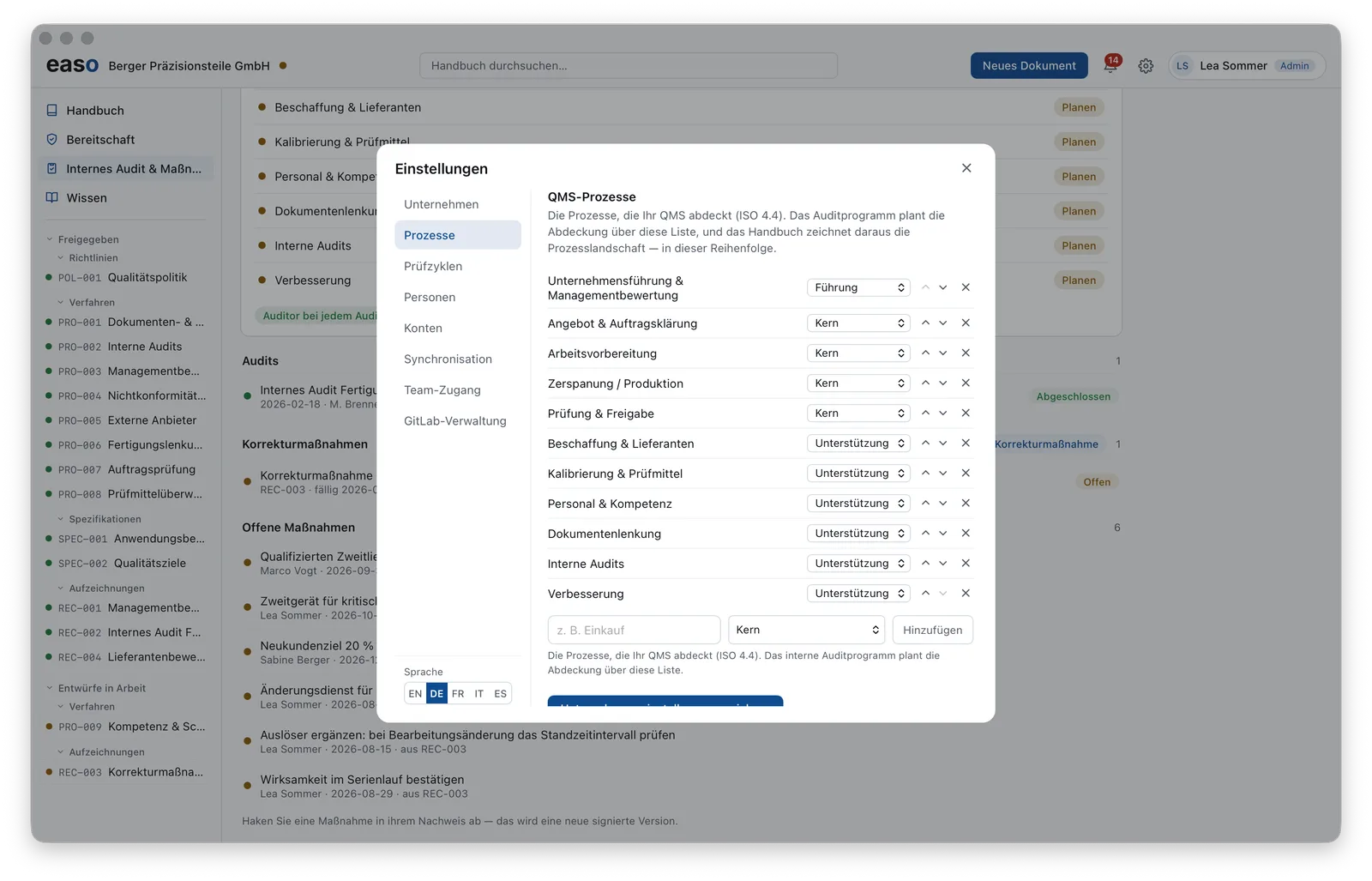
You maintain your QMS processes (ISO 9001, clause 4.4) in one place — with a tier (management, core, support) and an order. From this list easo draws the process landscape, and the audit programme plans its coverage across the same list. One registry, no double maintenance.
The interface itself is available in German, English, French, Italian and Spanish — switched right in the settings.